ManacodeUpdate
- Download and run the updater.
- Press Install next to Vendor.
- Log in and talk to a merchant.
 Vendor
WoW 3.3.5a addon · version 1.0.0
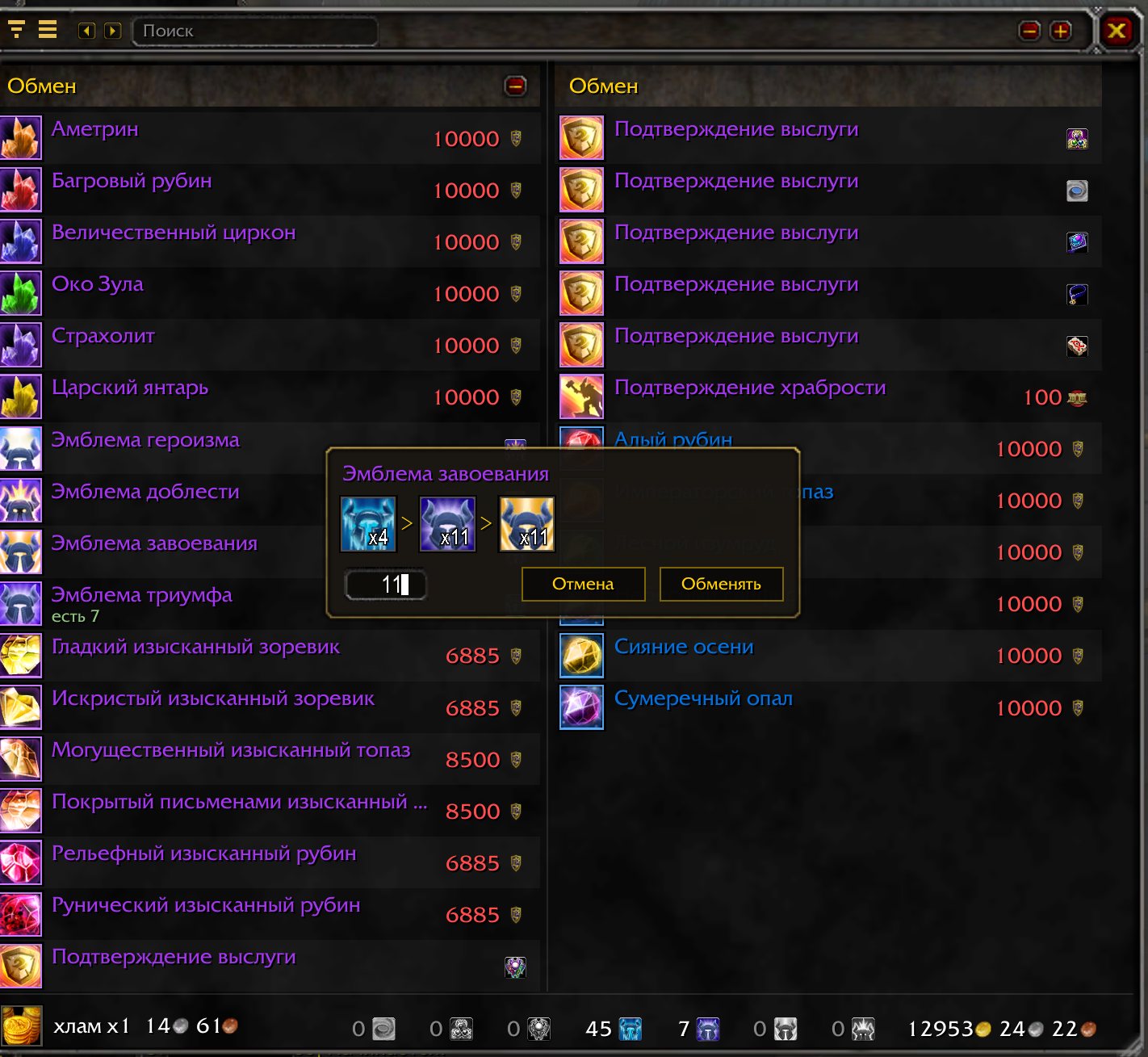
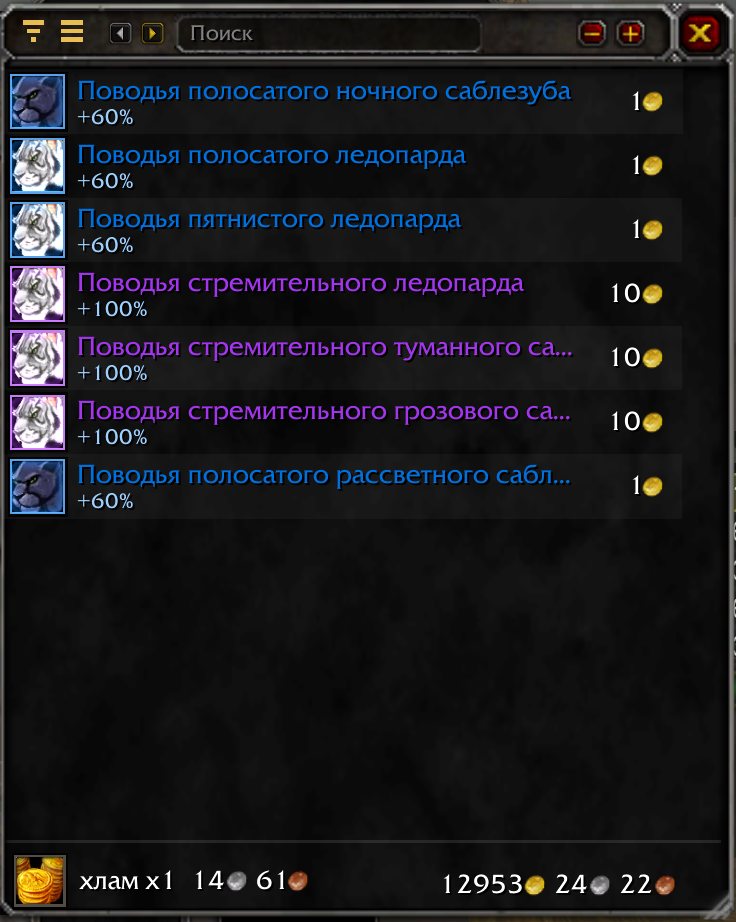
Instead of pages of ten — one scrollable list, sorted into groups that make sense for that particular merchant. It opens by itself when you talk to a merchant.
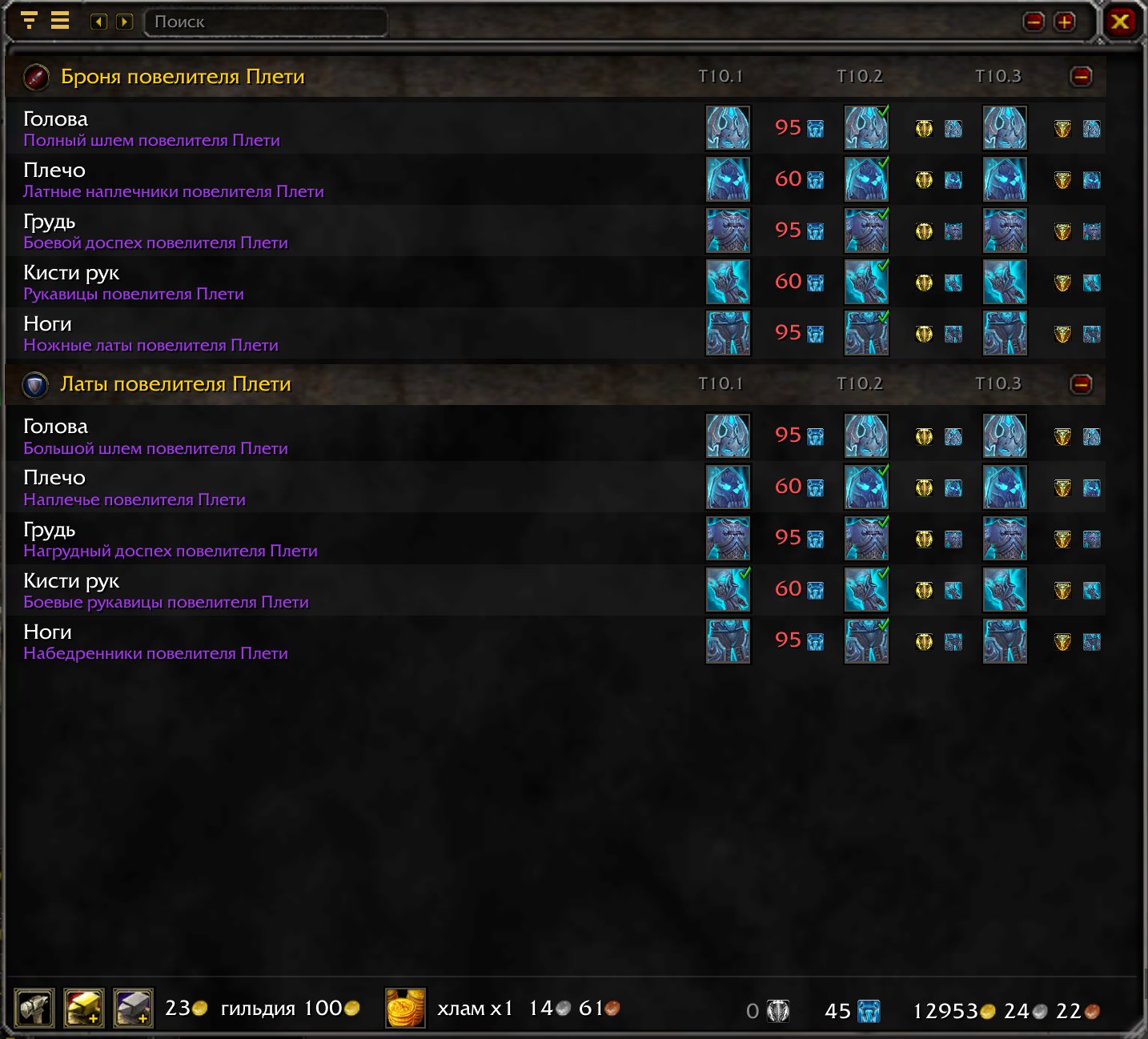
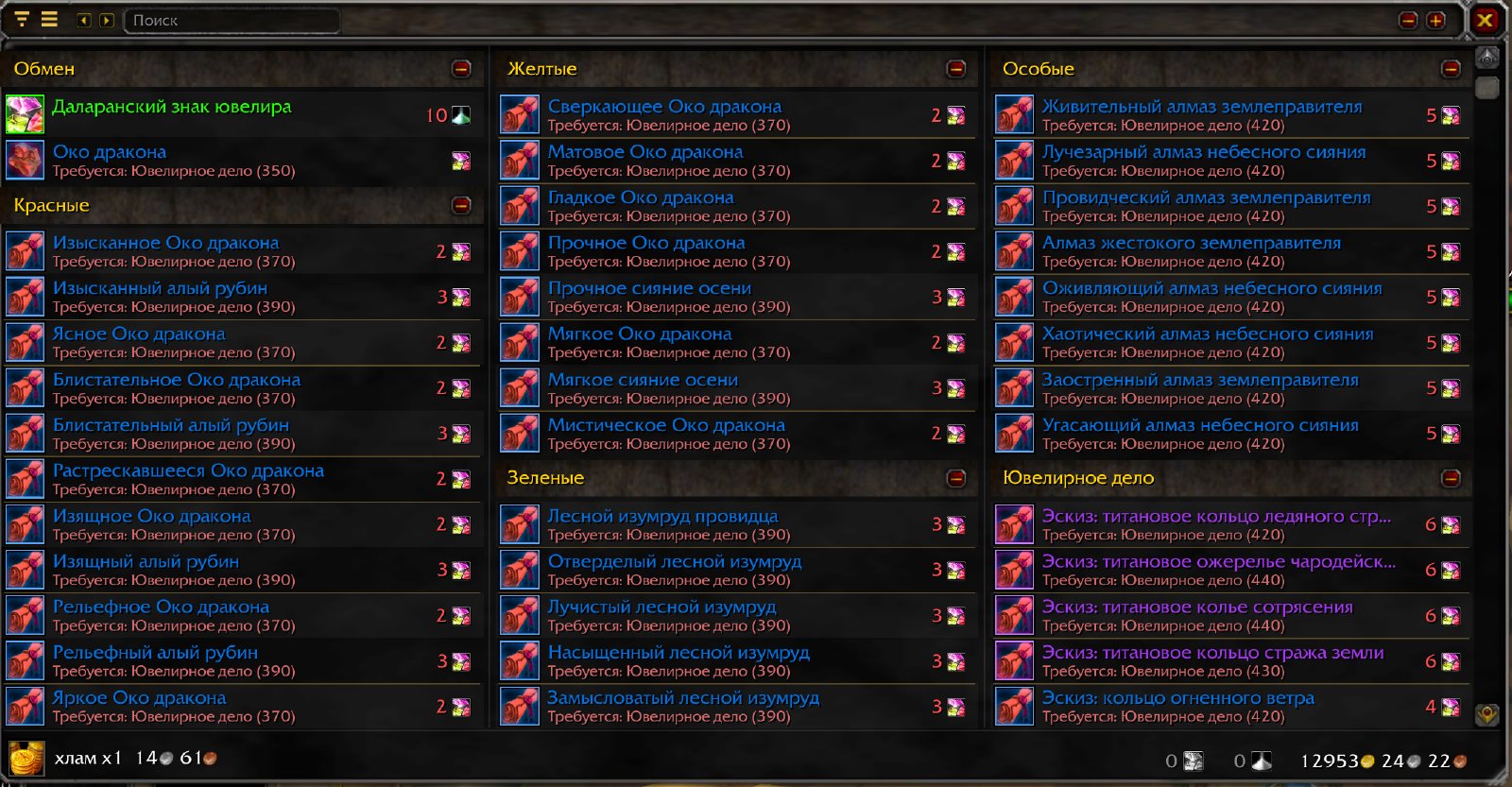
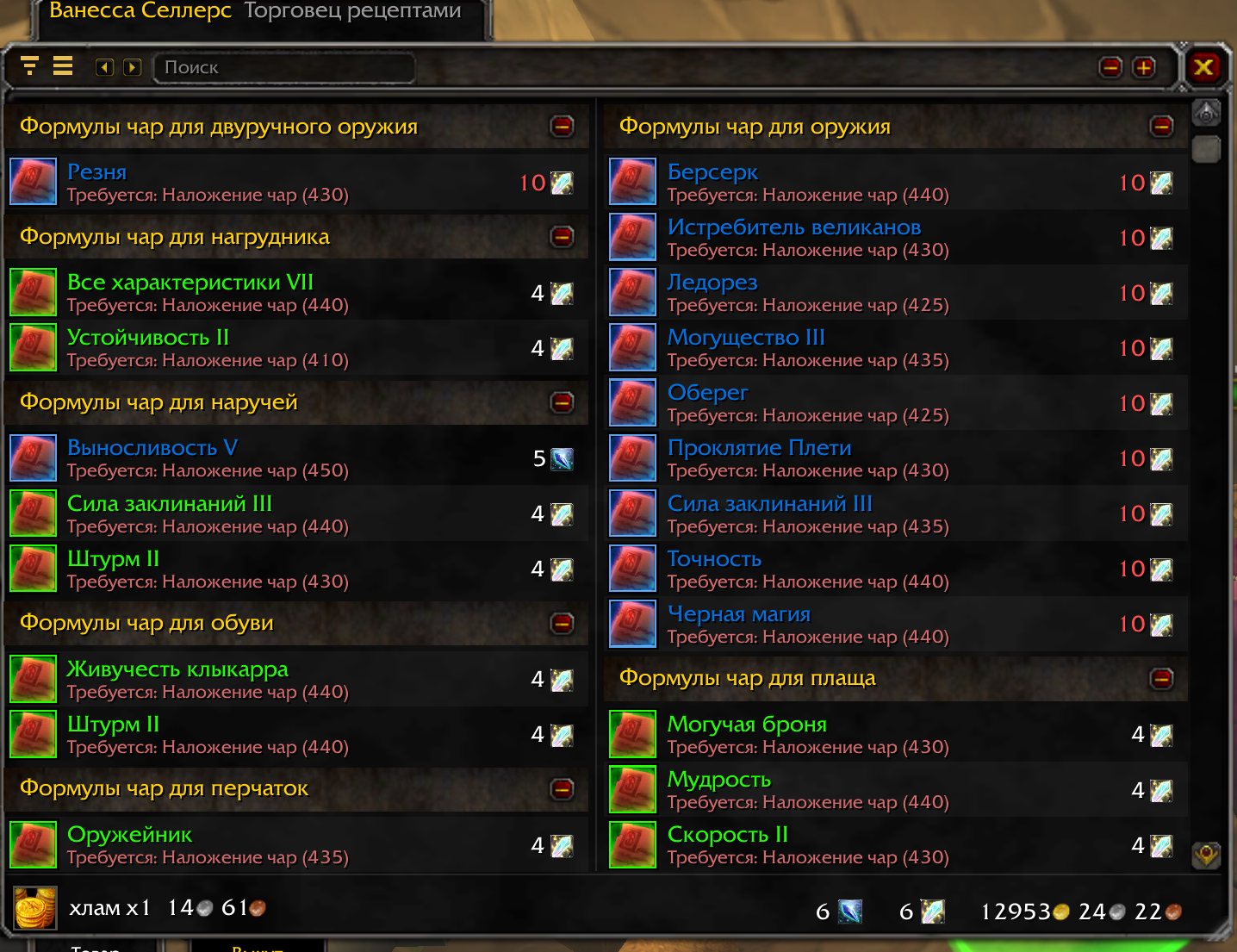
/vendor off/vendor on./vendor theme flat/vendor theme vanilla./vendor reset/vendor about/vendor — addon status.Groups are picked from the goods, not from the merchant's name: emblems, gems, recipes and mounts are each laid out their own way. Screenshots are from a Russian client; the addon speaks English too.
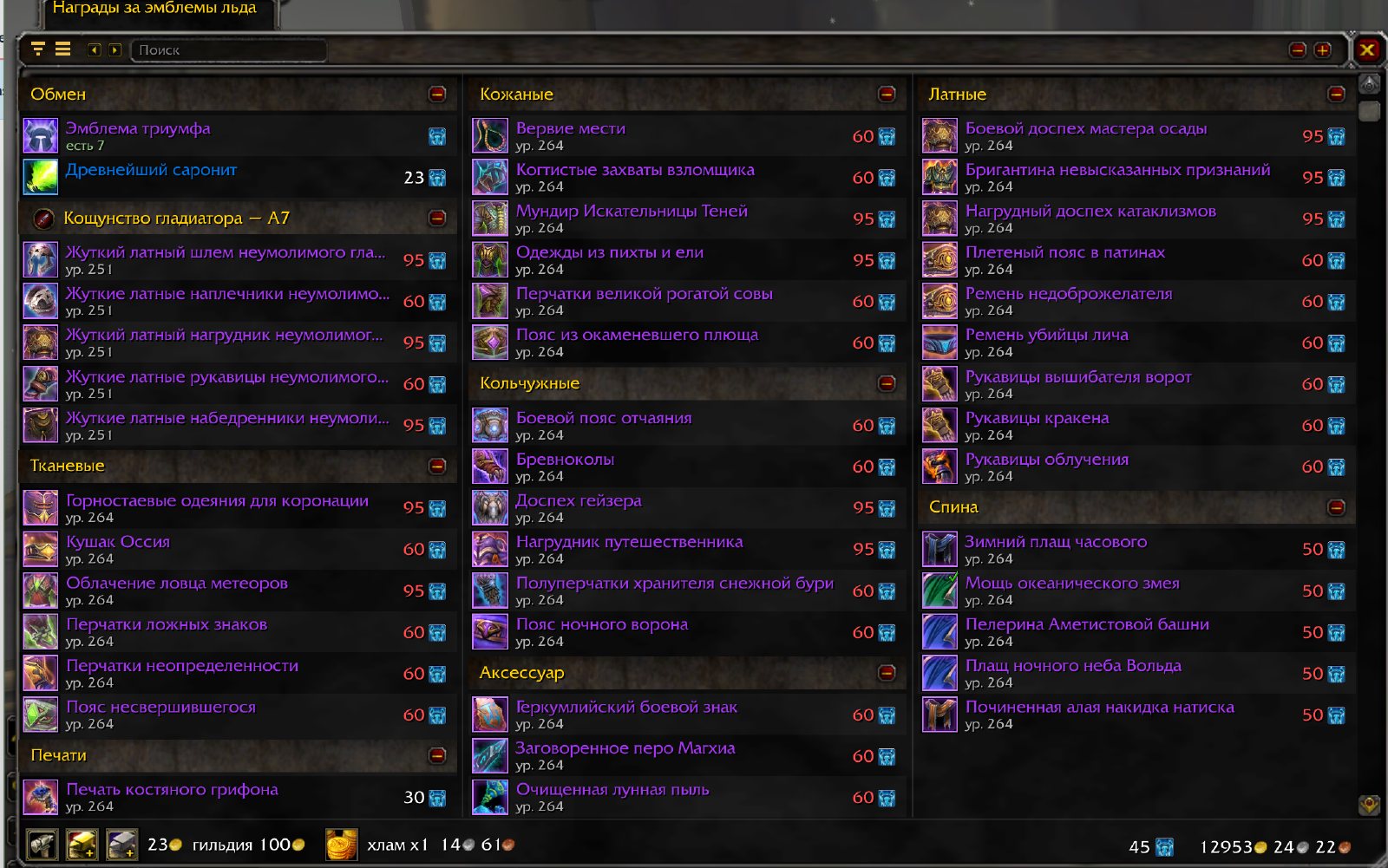
Tier and arena pieces are collected into their set: one row per slot, upgrade steps side by side, short labels like T10.2 and A7. Repeated words are trimmed — the full name stays in the tooltip and in search.
Gems by color, armor by type, recipes by what they make, a quartermaster's goods by reputation rank. Name search also handles the wrong keyboard layout.
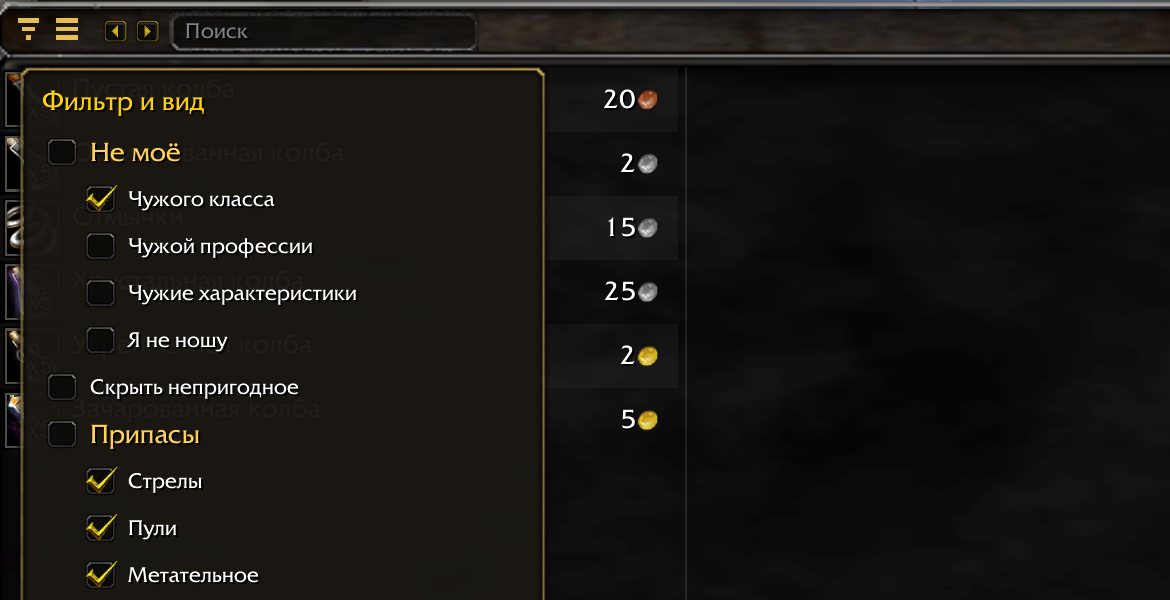
Other classes, the wrong armor and stats, other professions' reagents, old ranks, weak food. Tick it once — only your things stay on the counter.
A check mark on what is in your bags, bank or equipped. The price turns red when you are short, and the "Used for" tooltip tells which recipe needs a reagent.
Hover an item for the bulk buttons. Before you buy you see how many stacks land in your bags and the total price.
The whole path to the emblem or item you want — in one row. Emblems you already hold midway are used first.
Two ways: the updater installs and updates for you, the archive is by hand.
game folder\Interface\AddOnsFeedback
A few players use it so far, and it grows from their feedback. Bugs, oddities and ideas — in Discord or in GitHub issues.