Five to twenty minutes between "I'm in" and "pulling".
You can't leave the client — you'll miss the invite and the voice
call to gather. Alt-tabbing to a browser loses you both. The
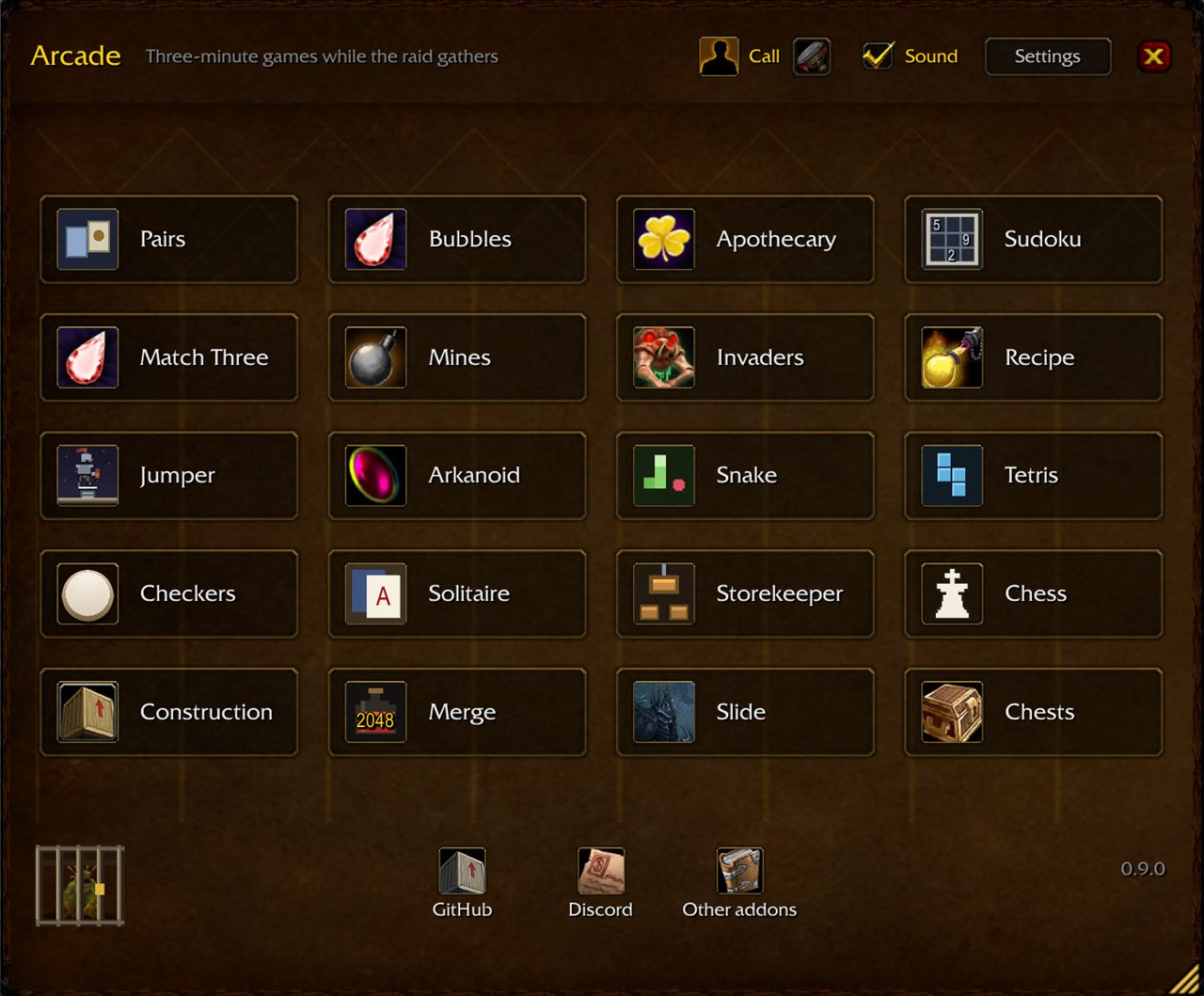
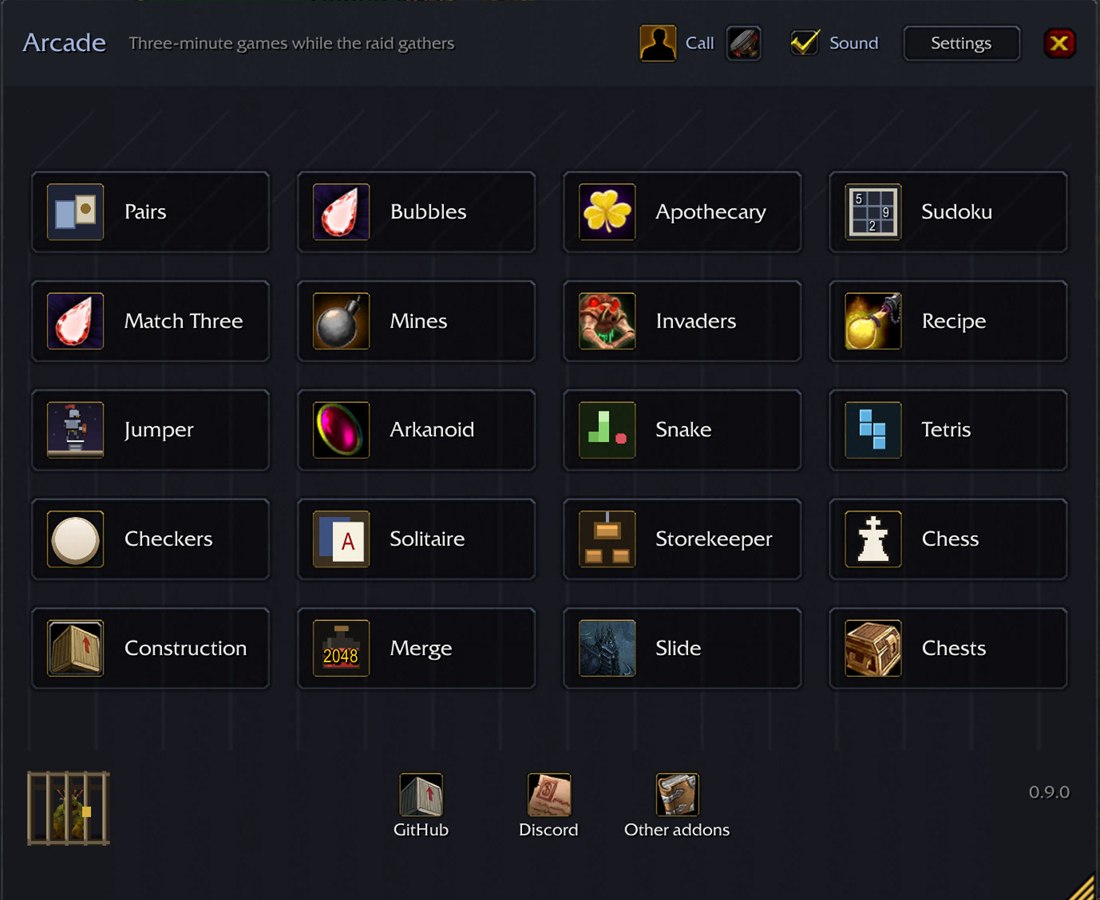
arcade fills that time inside the game: twenty games that run a
few minutes each, and you can drop any of them mid-move.
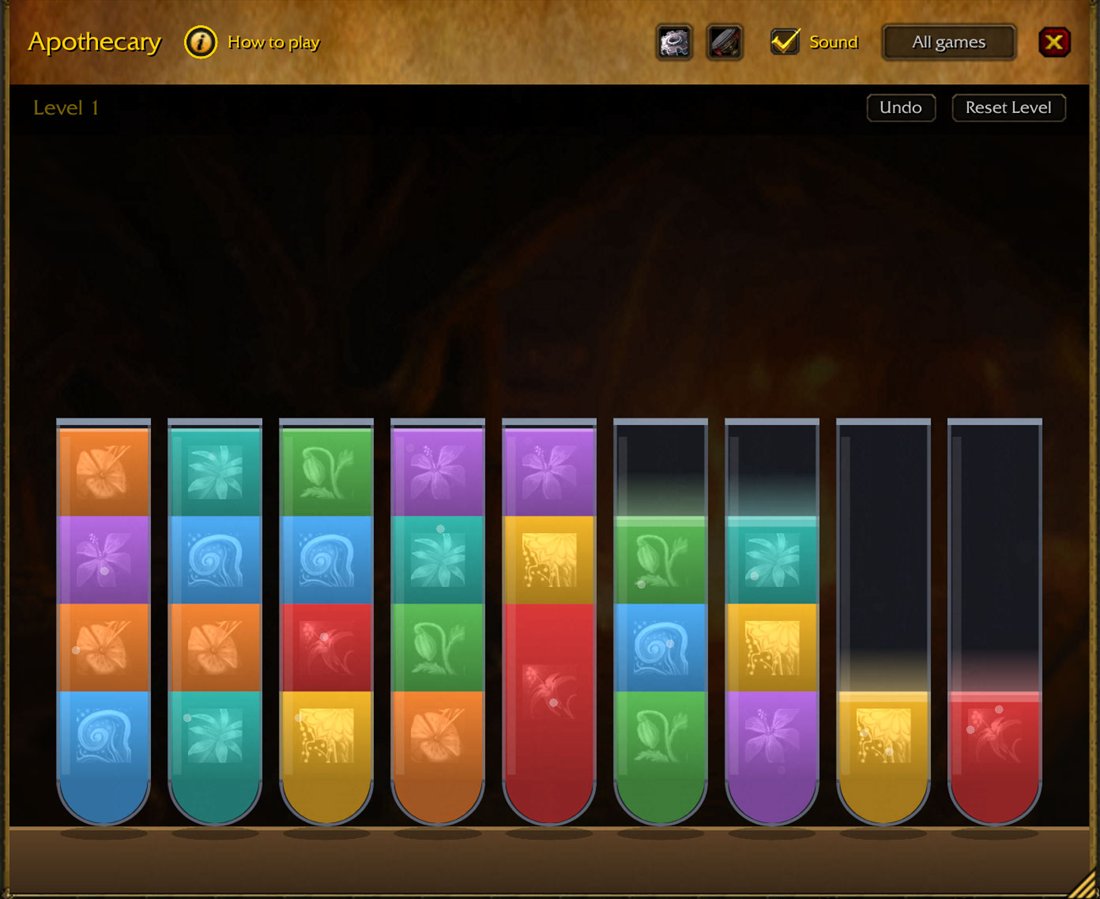
ApothecarySort herbs into vials so each color ends up alone in its own.
ArkanoidLevels run one after another as long as you have balls. Behind the gold walls are chambers with capsules.
BubblesClear connected groups of stones. The bigger the group, the more points.
Checkers2 playersRussian checkers (mandatory captures) against the bot or a friend.
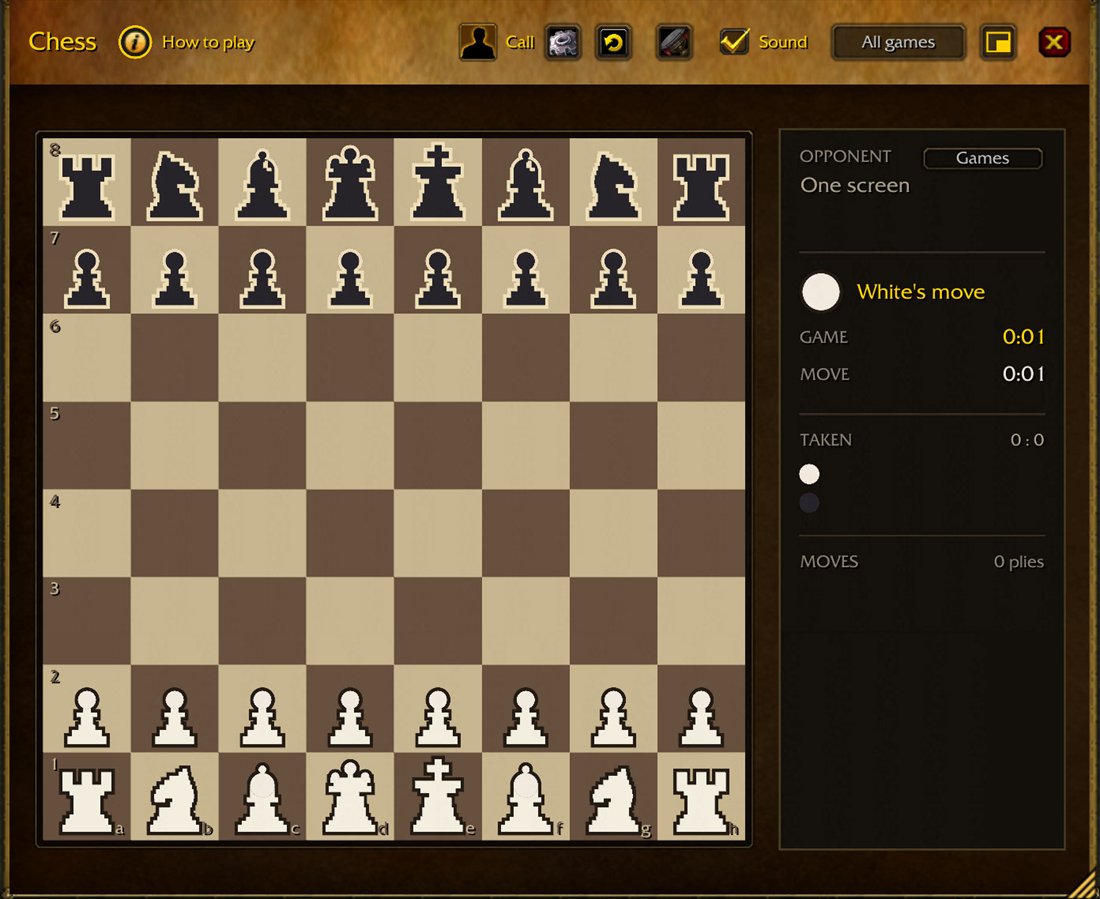
Chess2 playersStandard chess against another person — there's no bot for this one.
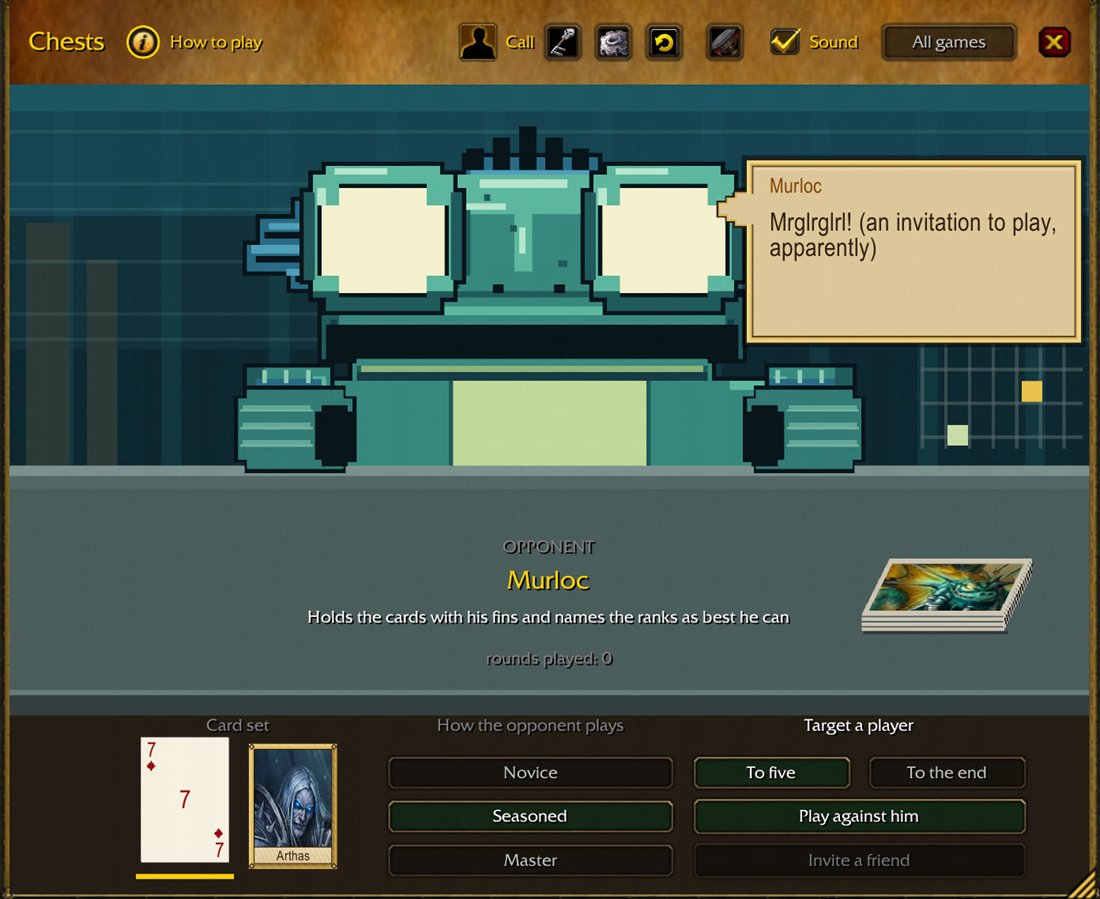
Chests2 playersA memory card game: against the character at the table or against a friend.
ConstructionA crane swings a floor on a cable. A precise landing fills the whole floor with tenants.
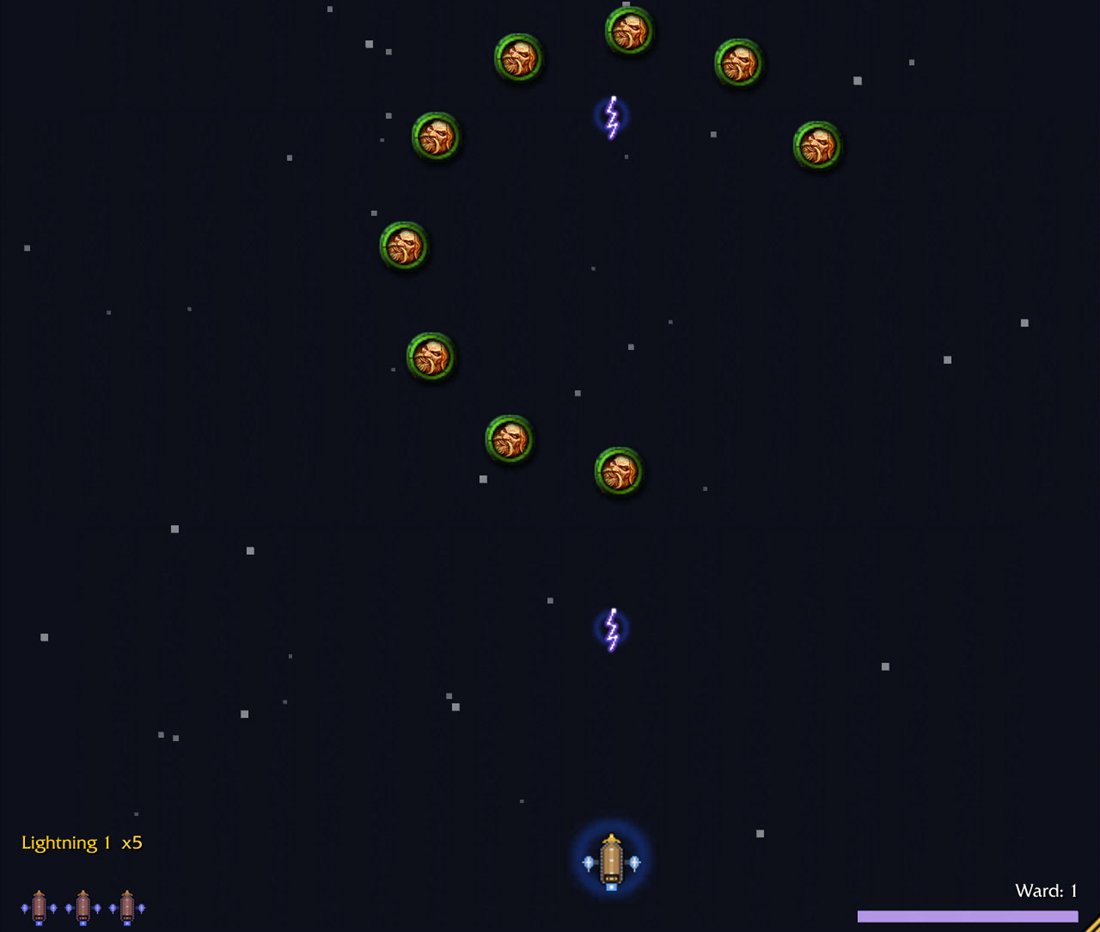
InvadersWaves of enemies from above: formation, swarms, ring, rain, siege. Auto-fire, spacebar for your ability.
JumperThe character jumps on its own, arrow keys steer it sideways. Climb as high as you can.
Match ThreeSwap adjacent gems and match lines of three or more.
MergeSlide the board with arrow keys: two matching potions merge into the next recipe.
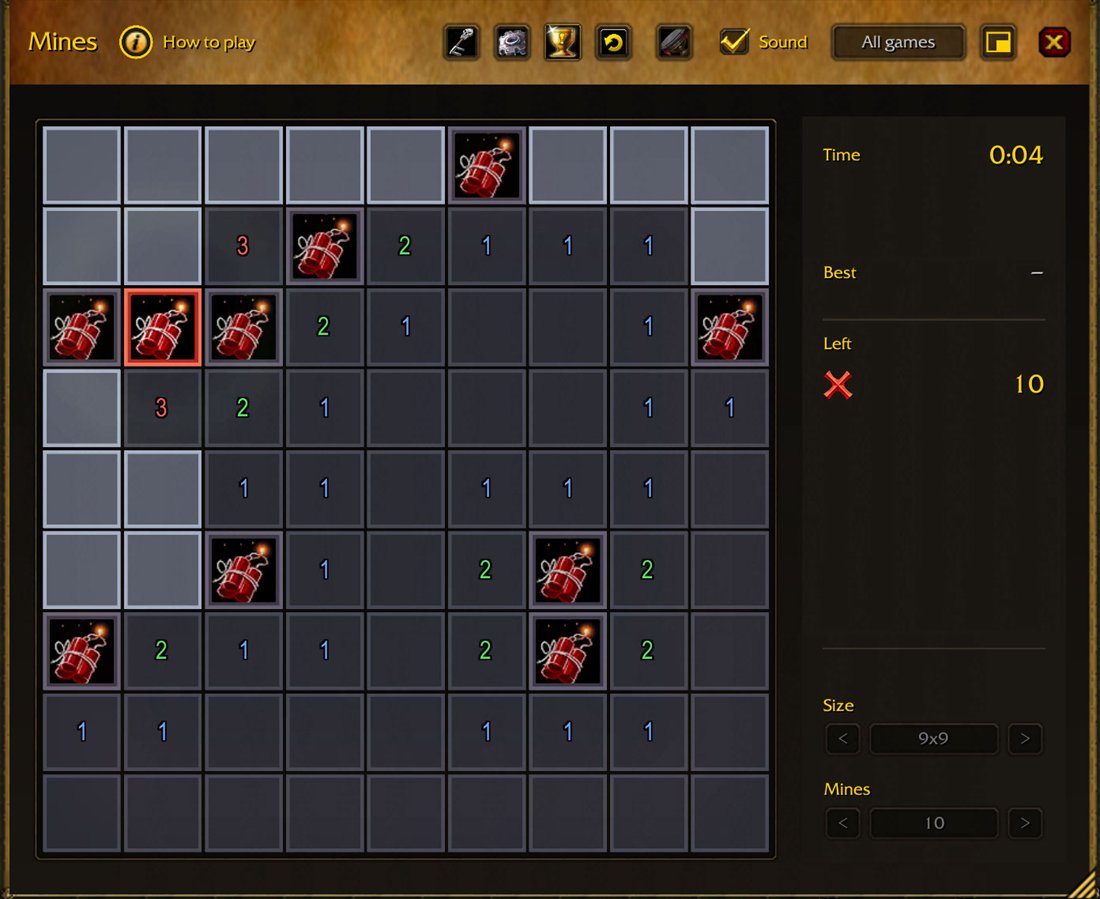
MinesClear the minefield: the number on a tile tells you how many mines are nearby.
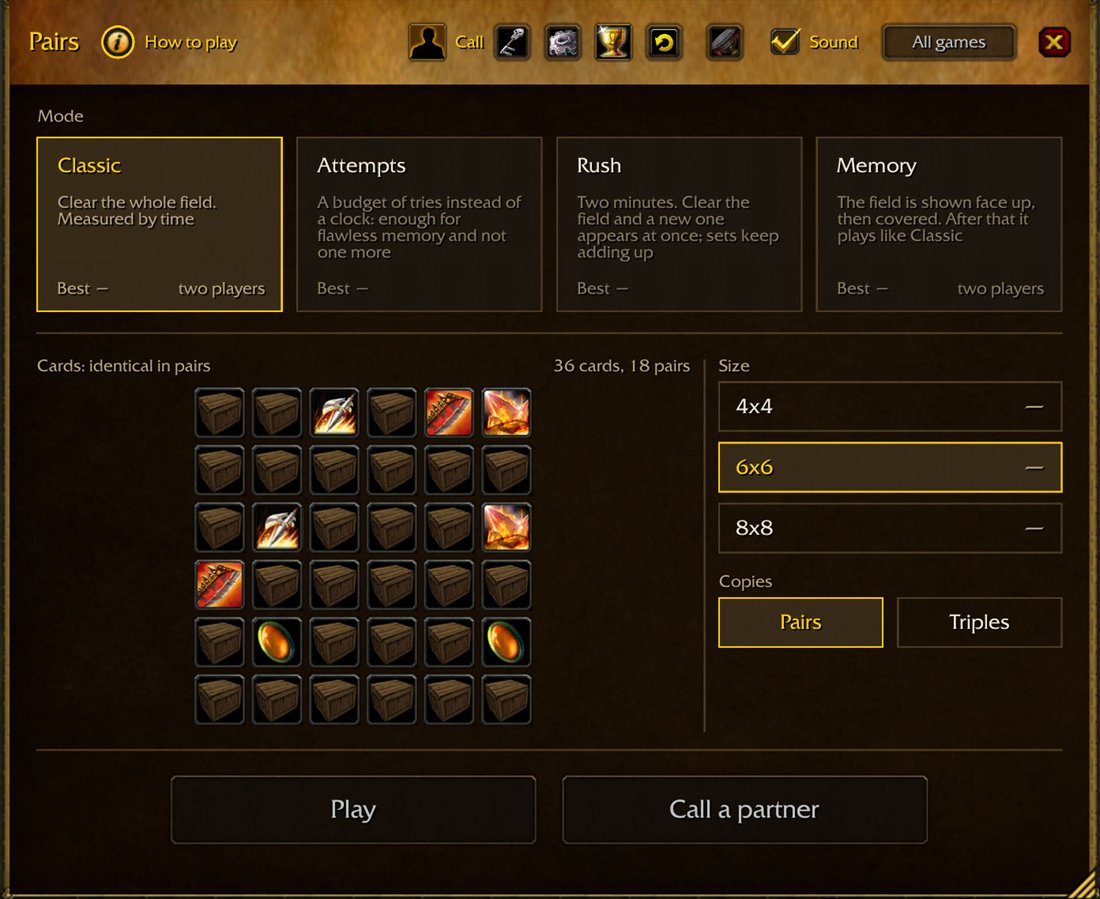
Pairs2 playersA memory game: flip two cards at a time and find the matches.
RecipeGuess the secret recipe in a few pinches: brew the mix and read the result.
SlideA picture cut up and shuffled. Tiles slide into the empty spot.
SnakeEat food without hitting a wall or biting your own tail.
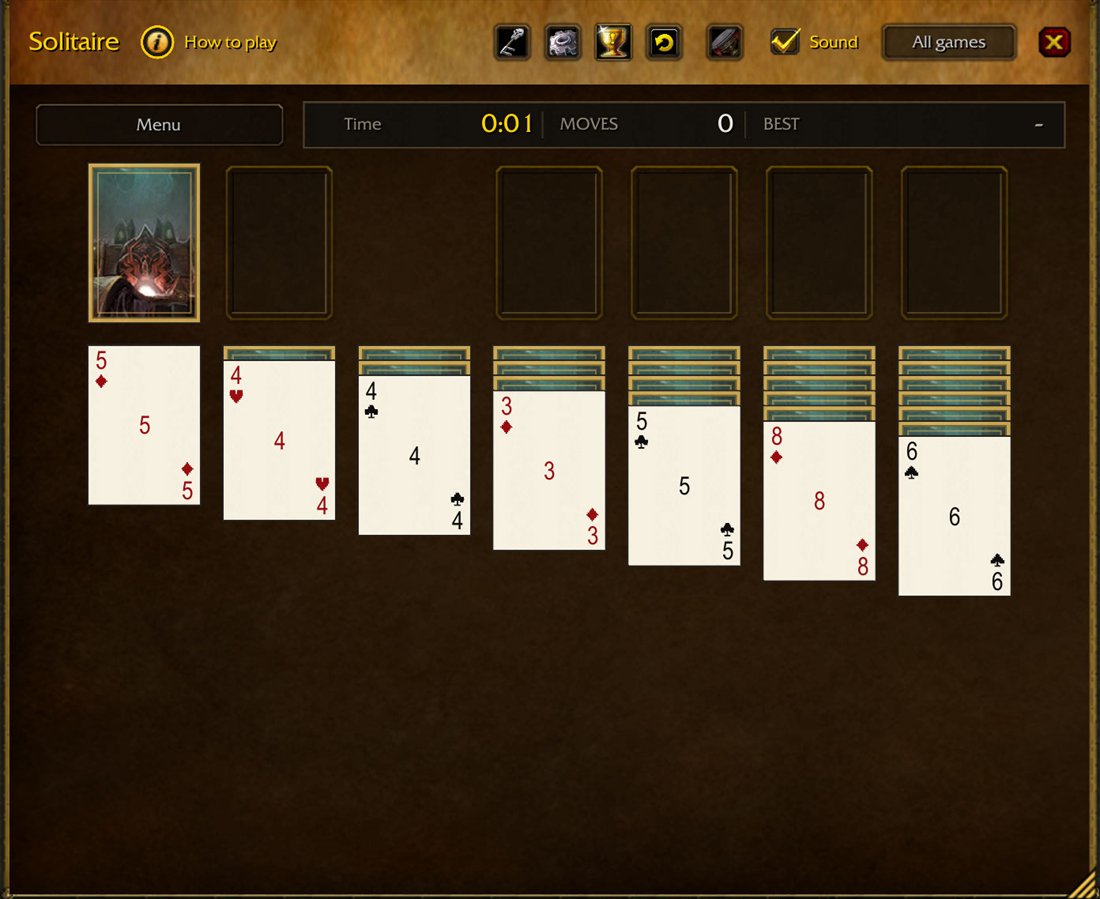
SolitaireKlondike, FreeCell, and Yukon: clear the layout by suit.
StorekeeperPush crates under the crane, fill in pits, and clear a full row.
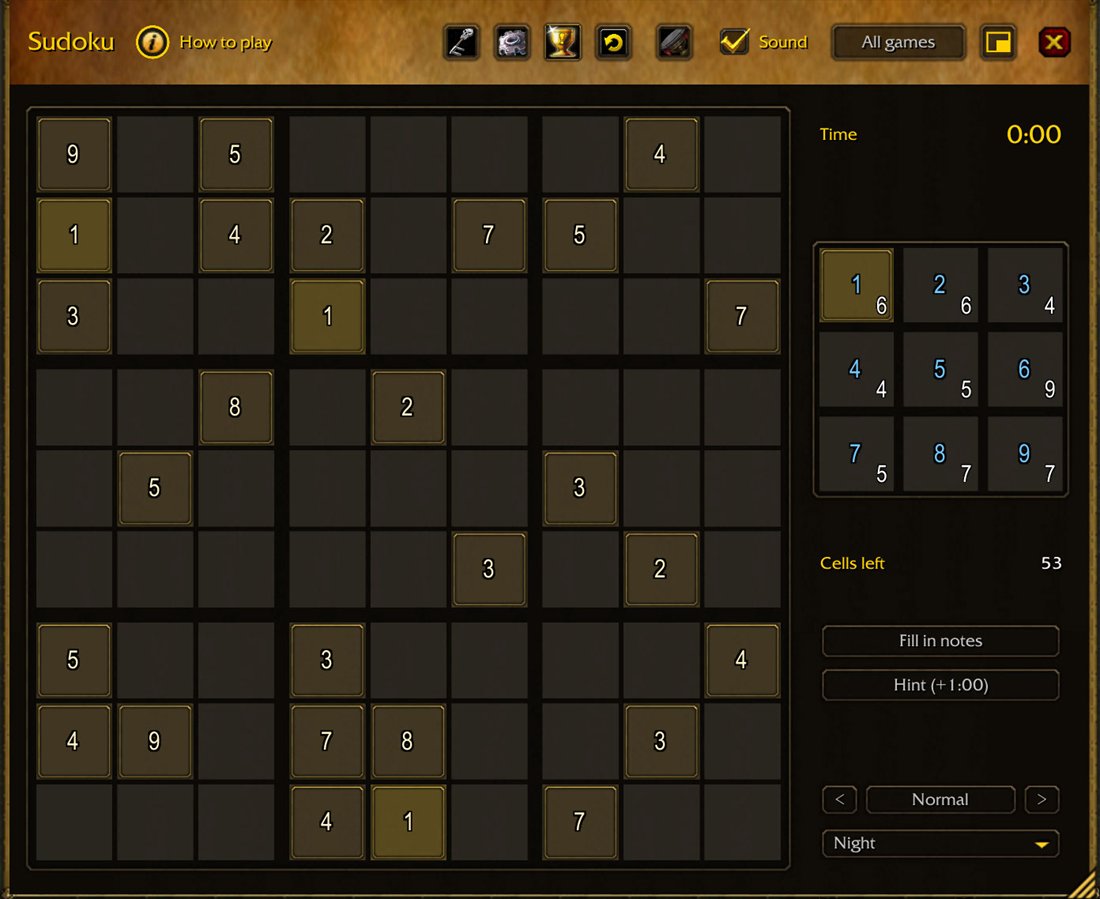
SudokuDigits 1–9, no repeats in any row, column, or box.
TetrisA 10-by-20 board: pieces fall, and full lines clear.
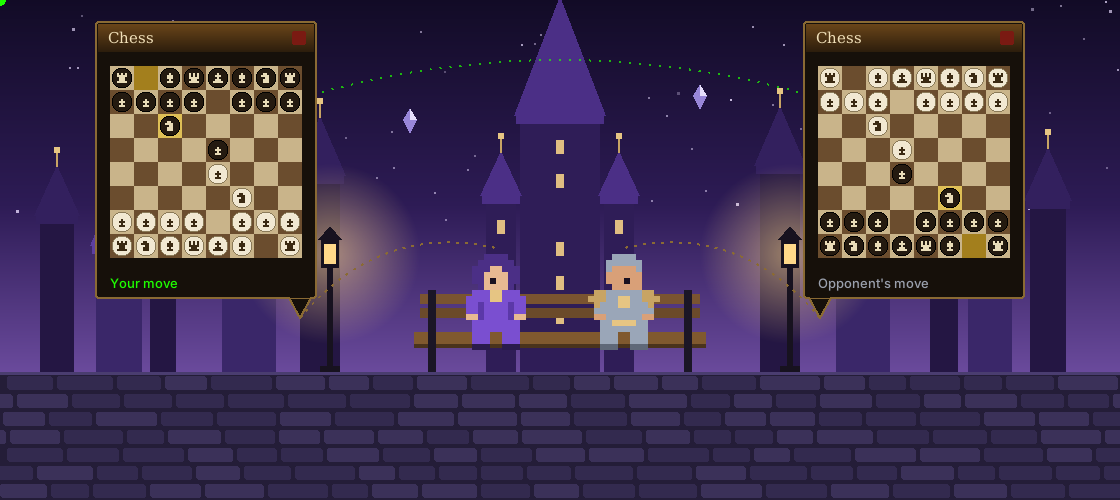
Duo Play a match with a friend
Both players open the arcadeIt's needed on both ends.
Send a game inviteOne invites, the other clicks "Yes".
Play the matchRan out of time? Finish it later.
Chess, Checkers, Pairs, and Chests. You need to be in the same zone, layer, or instance.
About raids What it won't do to your evening
Enter combat, the game pauses
The game pauses and the window leaves the screen on its
own — that's the "Hide in combat" checkbox at work. Bringing
it back is on you, not the addon: there's no auto-return, so
the game can't pop up mid-pull.
You won't miss a ready check
A ready check or a group invite pauses the game, but the
window stays up: you can see the raid is forming, and
forming without you, until you click.
Chat stays yours
The window doesn't take over your keyboard: Enter opens
chat, Esc closes the arcade. Games only get the arrow keys
and spacebar, and only while a game is running; keys can be
reassigned, and most games play with the mouse alone.
A closed window does nothing
A hidden arcade drops its game loop instead of spinning it
idle. An addon that eats frames while nobody's playing it
isn't an arcade — it's a tax.
Look Looks like part of the client
Games are dressed in gear straight from WoW: icons come from the
client by item ID instead of being redrawn. The window comes in one
of six themes: Parchment, Dark Gold, Scroll, Stone, Slate, Flat.
"Parchment": warm wood and gold."Slate": cold stone and steel.
Russian and English
Window scale and a transparent window
Sound, effects, and music as separate toggles
Games have their own themes: which items the board is drawn with
Drop the folder here: client folder\Interface\AddOns
Launch the game and type /arc.
Retail · Midnight
Close the game.
Drop the folder here: World of Warcraft\_retail_\Interface\AddOns
Launch the game and type /arc.
Beta
All twenty games are in, but this is the first public build:
something's bound to turn up. Send a bug, an oddity, or an idea
to Discord or as
an issue on GitHub.
 Raid Waiting Arcade